
Who should read this: Owners and CFOs, estimators and preconstruction managers, office and admin staff.
The short version
- Ai now handles counting, scaling, and sheet naming well, and thousands of contractors use it every day.
- An independent study found it matched a GC's counts almost exactly but came up short on area quantities, especially exteriors.
- Question for your team this week: "Where do our biggest scope gaps come from: our own takeoffs, or the cracks between sub bids?"
What's changing
Takeoffs and bid leveling are where preconstruction hours disappear. Interest in Ai is growing fast: ServiceTitan's 2026 Commercial Specialty Contractor Industry Report found that 38% of contractors now report measurable business impact from Ai, up from 17% a year earlier [5].
Most takeoff tools use computer vision, which is software trained to recognize shapes, symbols, and boundaries in images (in this case, your drawings). The real question for a GC isn't whether the software is fast. It's whether you can carry its numbers into a GMP or lump sum.
How firms are doing it
An independent test on a real building
Researchers at Utica University compared an Ai takeoff against a contractor's own numbers on Thurston Hall, a 16,000 SF, two-story academic building with classrooms, labs, and an auditorium [1]. On counts, the Ai was nearly identical to the contractor, matching 11 of 13 items exactly. On areas, it came in lower on 12 of 15 items, and exteriors had the widest spread, from +1.1% on glass and aluminum to +13.4% on stone.
The pattern makes sense. The tool did best on repetitive, clearly bounded elements like windows, doors, and horizontal ceiling and floor planes, and it struggled with façades that had offsets, material transitions, and irregular edges. The authors recommend a hybrid workflow where Ai does the first pass and estimators verify and adjust before pricing. One caveat: it's one project, one platform, and a small number of items.
A large GC/CM: it's about the paper trail, not just speed
At Consigli Construction in Milford, Massachusetts, CIO Anthony Chiaradonna told Construction Dive that estimating is where the firm sees Ai's biggest impact so far, in a process that traditionally relied on spreadsheets, scattered folders, and manual version control [2]. The value he points to is that Ai can show the assumptions, changes, and tradeoffs behind each decision, making the reasoning easier to trace.
Consigli also divides responsibility clearly. Innovation and VDC teams pilot new tools, field teams judge how they perform on the job, and IT sets companywide standards for security, infrastructure, and data integrity. In a vendor case study, its chief estimator said the goal was to give the team more opportunity to dig into the drawings [3]. In other words, the time saved goes into reviewing scope and risk.
The GC angle: bid leveling
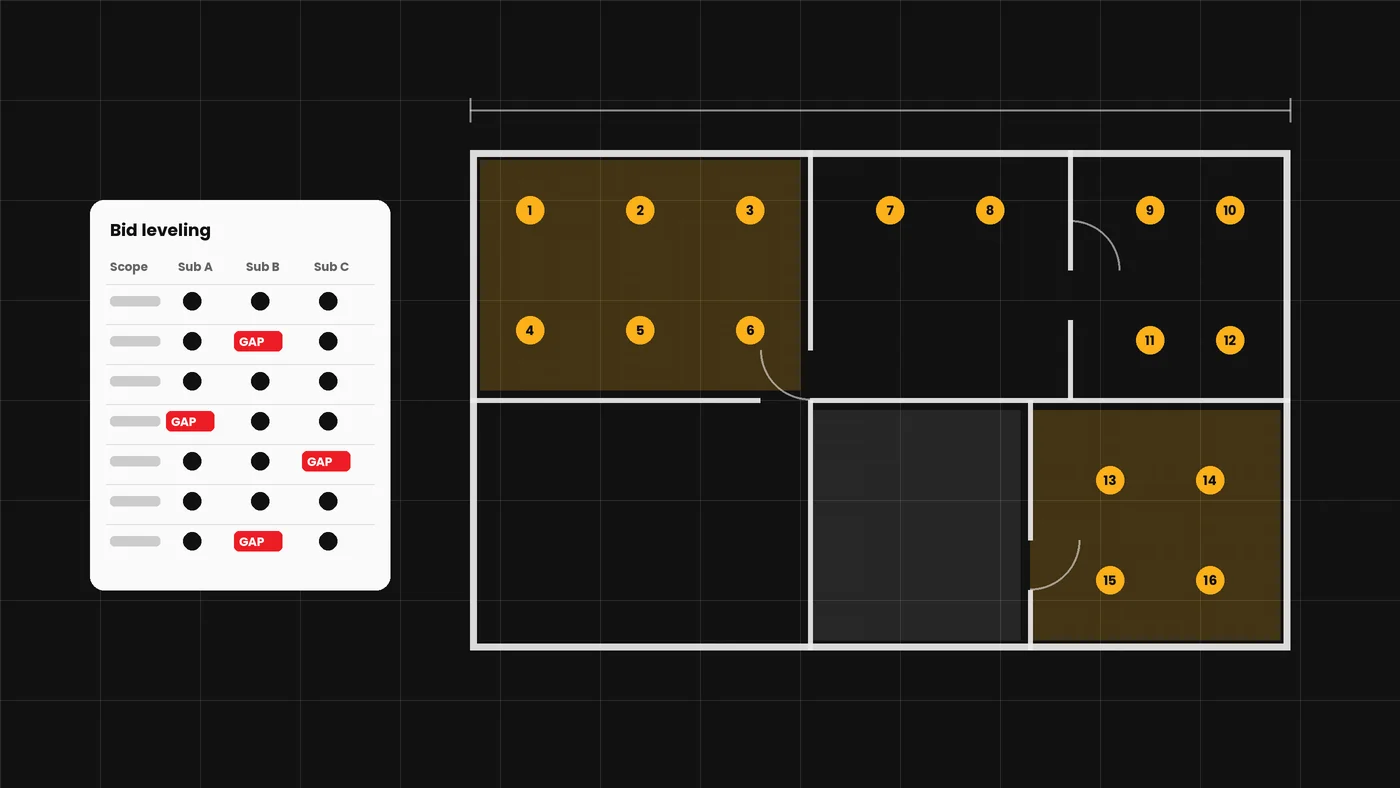
For a GC/CM, the bigger risk is often between sub bids rather than in your own takeoff. As one industry guide puts it, when scope at a trade boundary is ambiguous, both trades may exclude it, nobody prices it, and it becomes a scope gap [6]. Several tools now read sub proposals and build a comparison matrix that flags missing items. That's promising, but almost all published results come from the vendors themselves. Treat bid leveling Ai as a second set of eyes on bid day, not a replacement for your leveling sheet.
Vendor data, for context
Trimble reports usage across more than 4,000 U.S. contractors using its MEP estimating applications in the first half of 2026, including estimate comparisons dropping from 60 minutes to 10 [4]. These are vendor-published figures. Other takeoff platforms include Togal.AI, Beam AI, and ConstructConnect's On-Screen Takeoff.
How to try it (for estimators and precon)
- Pick one owner and two scopes. Assign one estimator. Choose one count-heavy scope (doors, fixtures, devices) for Ai takeoff, and one trade package with three or more sub bids for Ai-assisted leveling.
- Use a closed job. Run both on a completed project where you know the final quantities and where the scope gaps ended up. That way you're measuring accuracy, not just speed.
- Run side by side for 4 to 6 weeks. Track hours, percentage difference by line item, and whether the Ai flagged gaps your team missed (or missed ones you caught).
- Score by category. Split takeoff results into counts, areas, and linear feet. Expect counts to hold up and areas to need correction.
- Write the review rule. Decide in writing which quantities go straight to pricing, which always get a human check, and who signs off on a leveled bid before award.
For the CFO
Estimate accuracy is a margin issue. Using the study's stone variance as an illustration, a 13% miss on a $400,000 stone package is $52,000, enough to wipe out the fee on a mid-size job. Budget for per-seat software costs (often quoted case by case), estimator time for the pilot, and an IT review of where drawings and bid documents are stored.
Office Quick Win: turn bid invitations into a bid calendar
The task: Take a stack of bid invitation emails and turn them into one clean table of due dates, walkthroughs, and RFI deadlines.
What you need: The Ai assistant your company has approved (for example, Microsoft Copilot, ChatGPT, Claude, or Google Gemini).
- Open a new chat in your company's approved Ai assistant.
- Copy the text of 3 to 5 bid invitation emails and paste them into the chat.
- Paste the prompt below and press Enter.
- Copy the table it gives you into Excel or your bid tracking sheet.
- Check every date against the original emails before adding anything to the calendar.
Copy-and-paste prompt: "Below are bid invitations for [company name]. Make a table with these columns: Project Name, Owner/Client, Bid Due Date and Time, Pre-Bid Walkthrough Date, RFI Deadline, Where to Submit, and Notes. Sort by bid due date, soonest first. If any information is missing, write 'Not listed' instead of guessing."
Safety line: Use only your company-approved tool. Don't paste in bank details, Social Security numbers, employee personal information, or confidential contract terms unless your company says that tool is cleared for it.
Check before you use it: Ai can misread dates, times, and time zones. Confirm each due date against the original email, especially addenda that moved a date.
Watch-outs
- Area quantities drift. In the Utica study, the Ai ran short on most area items. Small misses on big-ticket finishes add up fast.
- A blank cell isn't a zero. Bid leveling tools can still miss exclusions buried in qualifications. Read the fine print yourself.
- Know where your documents go. Cloud tools store owner, architect, and sub documents. Check contract confidentiality terms and get IT involved before uploading full sets.
- Vendor ROI isn't your ROI. Published savings come from the vendors' best customers. Measure your own baseline first.
- Watch the subscription math. Price out a full team rollout, not just pilot seats.
The bottom line
Ai is already good at the repetitive parts of takeoff and is getting useful for spotting gaps between sub bids. Trust it on counts, check it on areas and exclusions, and test it on your own closed jobs before carrying its numbers into a price.
Sources
- Sadeh, Geloso, and Todorov, "Testing AI Accuracy in Quantity Takeoff: A Methodological Case Study in Commercial Construction," EPiC Series in Built Environment, Vol. 7, ASC 62nd Annual International Conference, 2026.
- Sebastian Obando, "Consigli CIO sees biggest AI impacts in estimating," Construction Dive, April 22, 2026.
- "How Consigli Scales Estimating with AI-Assisted Takeoffs," Togal.AI (vendor case study), 2026.
- Brooke Stewart, "Actual results MEP estimators are getting with AI-assisted takeoff," Trimble (vendor blog), August 7, 2026.
- "Construction AI Adoption Doubles in 2026 as Smart Tools Transform Jobsites," Construction Owners, April 7, 2026 (citing ServiceTitan's 2026 Commercial Specialty Contractor Industry Report).
- "Bid Leveling: How to Compare Subcontractor Bids Apples-to-Apples," Datagrid (vendor guide), 2026.